Reference

bem4d Casino Built for Indonesia

Live Baccarat, Dragon Tiger, Gates of Olympus and Crash Games sit inside one bem4d casino lobby, with DANA, OVO, GoPay and QRIS visible before you fund a table…

Live BaccaratDragon TigerGates of OlympusCrash Games
bem4d bem4d Casino Built for Indonesia
bem4d Live Casino, Slots and Crash Rooms

Live Casino, Slots and Crash Rooms

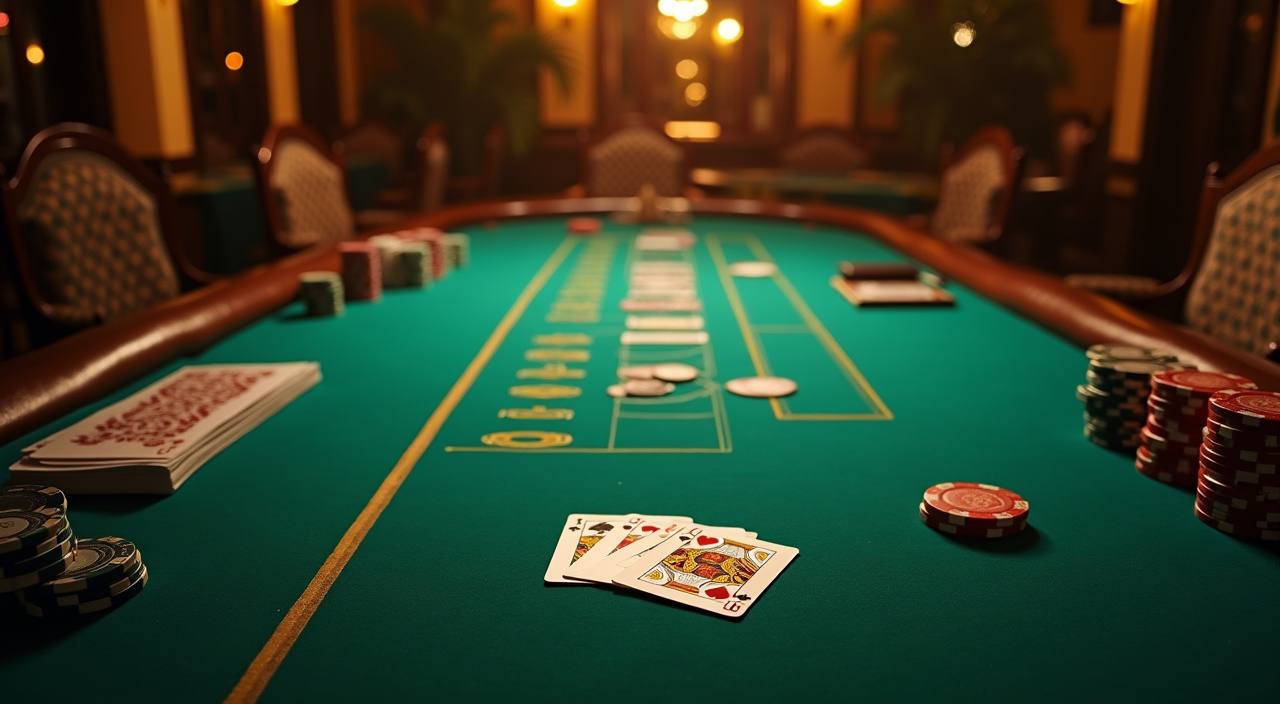
The casino area is split so you can move from live dealer tables to slot rooms without searching through unrelated pages. We carry familiar categories such as Baccarat, Roulette, Blackjack, Dragon Tiger, Gates of Olympus, Sweet Bonanza, Mahjong Ways, Aviator and Fishing God. Your account step is simple: create your login, confirm your phone number, set your PIN, then enter Menu >

Casino to see which rooms are open for your region.
ROOM PICKS

Three Casino Areas to Check

Three areas usually shape your first casino session: live tables when you want dealer interaction, slot rooms when you want fast rounds, and crash rooms when you prefer a rising multiplier format.

bem4d Baccarat and Dragon Tiger
Live table

Baccarat and Dragon Tiger

Choose Baccarat or Dragon Tiger when you want quick table decisions with dealer video.

bem4d Gates of Olympus and Mahjong Ways
Slot room

Gates of Olympus and Mahjong Ways

Slot rooms group titles such as Gates of Olympus, Mahjong Ways and Sweet Bonanza away from…

bem4d Aviator and Crash Games
Multiplier room

Aviator and Crash Games

Aviator and Crash Games sit in a separate room because the round pace is different from…

PHONE PLAY

Casino Tables on Your Phone

On mobile, the casino path is Menu > Casino > Live Casino for tables, or Menu > Casino > Slots for titles such as Gates of Olympus.

Portrait table view
Landscape dealer video
Touch stake panel
Menu > Casino path
bem4d mobile gaming
TABLE HELP

Help During Casino Sessions

Casino help is available when a round does not load, a table disconnects, or a balance refresh looks delayed after you leave a room.

Live chat during rounds Use live chat from the casino lobby when a table freezes or a dealer screen drops. Send the table name and round time; we can check session logs without asking you to repeat your account details in public chat.
WhatsApp screenshot checks WhatsApp works well when you need to show a stuck slot screen, unreadable table message or balance refresh issue. Crop out private data, include the game name, and we will match it to your casino session record.
Email for account tracing Email support fits longer casino checks, such as a round result that needs provider confirmation. We may ask for your username, device model, game title and approximate time so the casino record can be matched correctly.
FAIR ROOM

How We Run Casino Rooms

We run the casino area with visible provider labels, account-level security and session records you can reference if a round needs checking.

Provider labels

Casino tiles show provider names where they are supplied, including rooms from studios such as Pragmatic Play, Evolution, PG Soft and Spadegaming. That helps you identify the table or slot source before entering a real-money round.

Round records

Live dealer and slot sessions create internal records with game title, time and account reference. When you raise a question, we use those details to trace the casino event rather than relying only on a screenshot.

Account verification

Before you enter funded casino rooms, your account needs phone confirmation and a secure PIN. This keeps table access tied to your login, and it gives support a clear account marker when you ask about a round.

Game window status

Where a provider displays RNG, stream or table status inside the game window, we leave that panel visible. You can see the casino room message directly from the studio while staying inside your bem4d session.

Regional access wording

Casino availability can change by location and provider. We describe access with the wording where local law permits, and we may hide a room if it is not available for your current region.

Support record handling

Support checks use your game title, timestamp and account ID to follow the casino trail. We avoid public comment threads for account matters, so table questions stay inside chat, WhatsApp or email channels.

Why Our Casino Lobby Feels Different

A casino lobby should help you reach the right room with fewer wrong clicks.

Room separationInstead of mixing every game tile together, we group Live Casino, Slots, Crash Games, Super Bingo and Fishing God into clear casino rooms. You see the style of play first, then choose the exact title.
Fewer lobby exitsSome casino pages push you back to a main menu after each room change. Our lobby keeps the category path open, so you can leave Blackjack, check slots and return to live tables with fewer taps.
Mobile view choiceLive dealer rooms support landscape viewing, while slot and crash titles stay easy in portrait view. We shape the casino screen around each game type instead of forcing every room into one narrow layout.
Account contextYour balance, PIN status and wallet route stay tied to the casino session. When you move from a table to Aviator, you can confirm your account state before the next round begins.
Local wallet visibilityDANA, OVO, GoPay and QRIS are shown in the account wallet area connected to casino play. You do not need to search outside the casino flow to see whether your balance is ready.
Game name clarityWe use clear title names such as Gates of Olympus, Mahjong Ways, Dragon Tiger and Fishing God. That matters when you contact support, because the exact casino title helps us trace the right record.
Session recoveryIf your mobile signal drops during a casino round, reopen your account and return through Menu > Casino. The room history helps support identify the interrupted session if the result display did not return cleanly.
CASINO MARKERS

Six bem4d Casino Lobby Markers

Six visible markers help you decide where to begin inside bem4d casino: category labels, provider names, live table status, mobile orientation, account wallet access and support entry.

Live table status Live Casino tiles show whether a table room is available…
Slot feature grouping Gates of Olympus, Sweet Bonanza and Mahjong Ways sit under…
Crash room signals Aviator and Crash Games show a different pace from slots…
Fishing room access Fishing God is kept apart from card tables because aiming…
Bingo room placement Super Bingo has its own casino marker so you do…
Support entry point A help button stays near the casino lobby, not only…

bem4d Casino Questions Answered

Before you open a casino room, you may want to know how the lobby is arranged, which titles are visible, and what happens if a session is interrupted. These answers focus only on casino use: entering rooms, switching game types, reading table status, using mobile view and contacting us when a casino round needs checking.

Create your account, confirm your phone number, set your PIN, then open Menu > Casino. From there you can choose Live Casino, Slots, Crash Games, Super Bingo or Fishing God where local law permits.

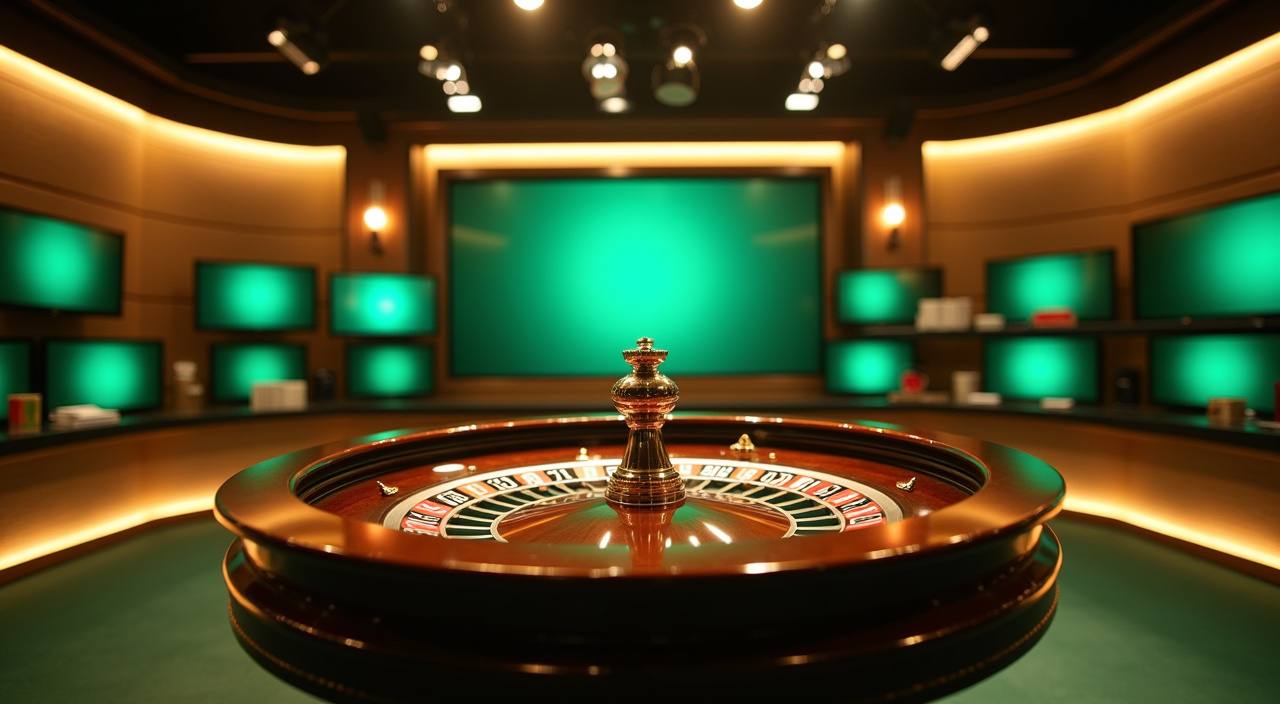
The live room is arranged around familiar table types such as Baccarat, Roulette, Blackjack and Dragon Tiger. Availability can vary by provider and region, so check the casino lobby status before you enter a table.

Yes. Stay inside the casino lobby, leave the slot room, then choose Live Casino from the category row. Your account session remains active, and you can check your balance before joining another casino room.

Live dealer rooms need more video space, so landscape view may feel clearer. Slots, Aviator and many crash titles work well in portrait view because the controls and balance panel fit in a narrower casino screen.

Send the game title, approximate time, device type and a screenshot if the screen is still visible. For live tables, include the table name; for slots or crash rooms, include the exact title shown.

Your account wallet can show DANA, OVO, GoPay and QRIS options before you enter funded casino rooms. Check the wallet status first, then return to Menu > Casino when your balance is ready.

Casino access depends on local law and provider availability. If a room is not shown after you log in, it may be unavailable for your region or temporarily closed by the studio.